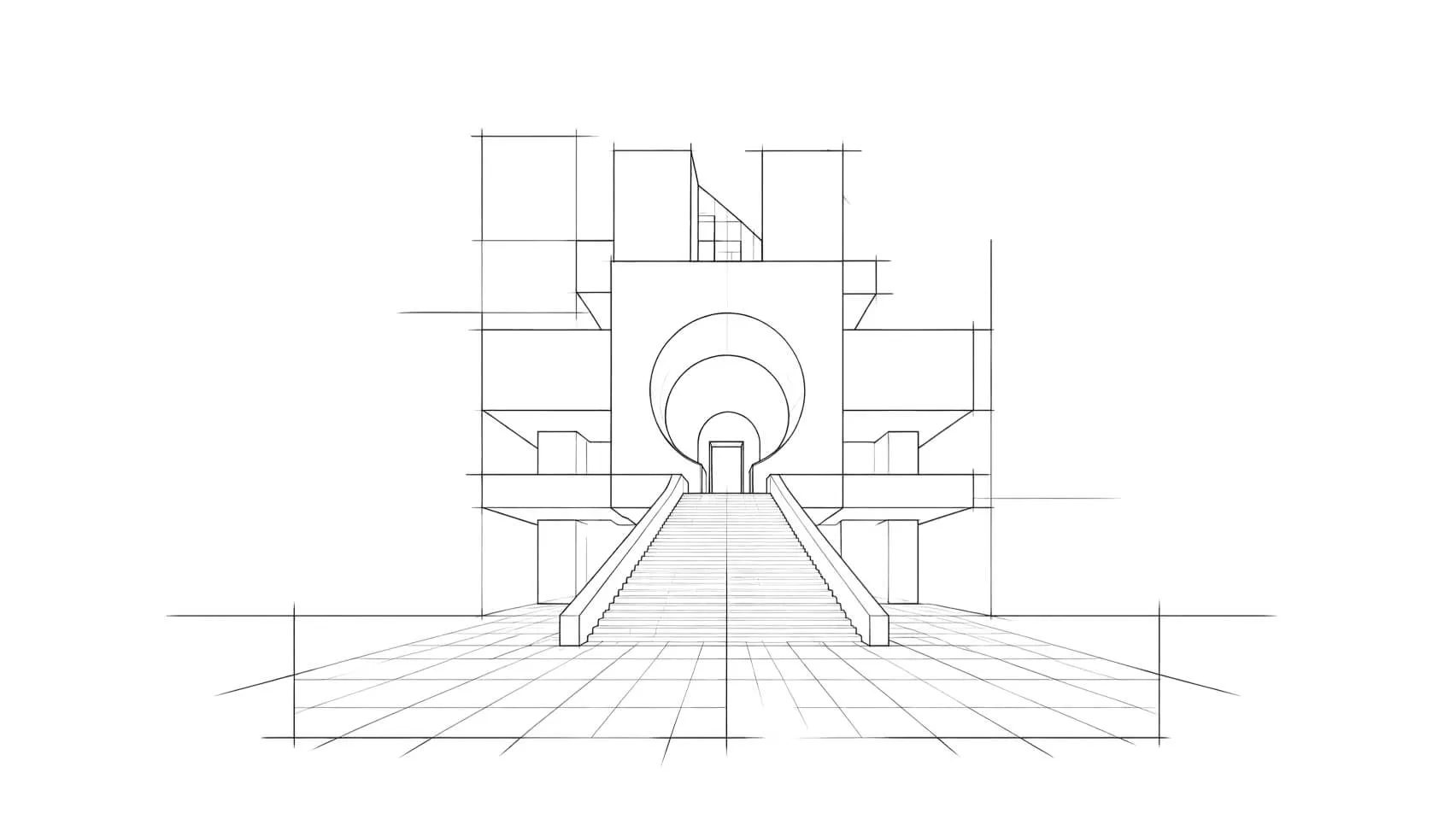
Your AI Vastu concierge, right in the chat
Ask, and Ask Vaastu answers for you
Ask about a room or direction using the home details you provide. Review the guidance and any references before deciding what to change.
Discover more
Discover more
.webp)
.webp)
Ask Vaastu
Button
Button



















Button
Button
KEY FEATURES
From a question to a finished change
[01]
READS YOUR HOME
[01]
GIVES THE REMEDY
[01]
SOURCE CITED
[01]
PLAIN LANGUAGE
[01]
EVERYWHERE YOU ASK
[01]
[01]
[01]
[01]
[01]
READS YOUR HOME
Answers grounded in your actual home
Add the room, direction or audit details you want Ask Vaastu to review. Your plan and camera view are not attached automatically.
.jpg)
GIVES THE REMEDY
Explore practical next steps
Discuss a placement, review the suggested next steps, and ask for the reference behind the advice.
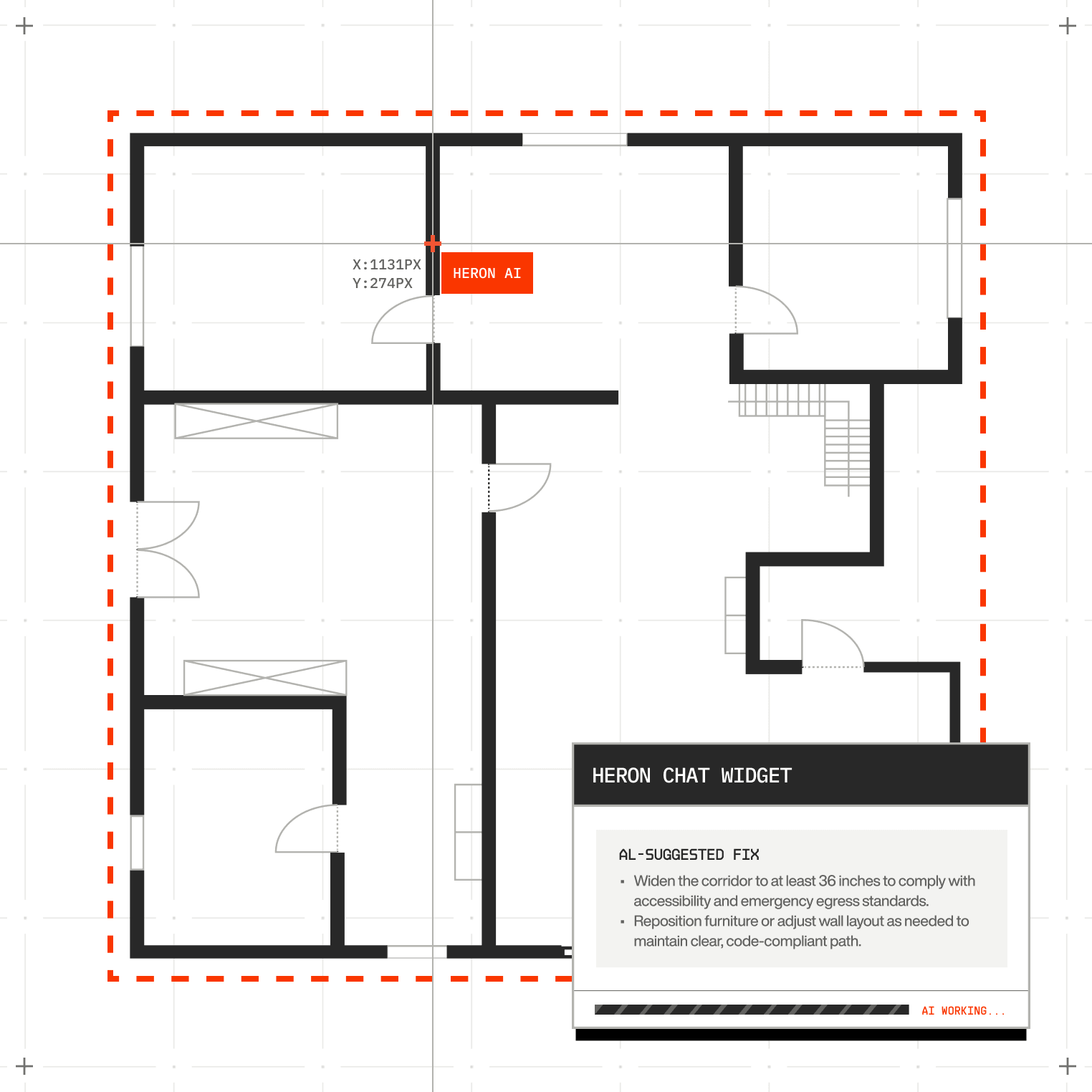
SOURCE CITED
CITES THE REFERENCE
Answers can include the relevant classical
reference, so you can review the source yourself.
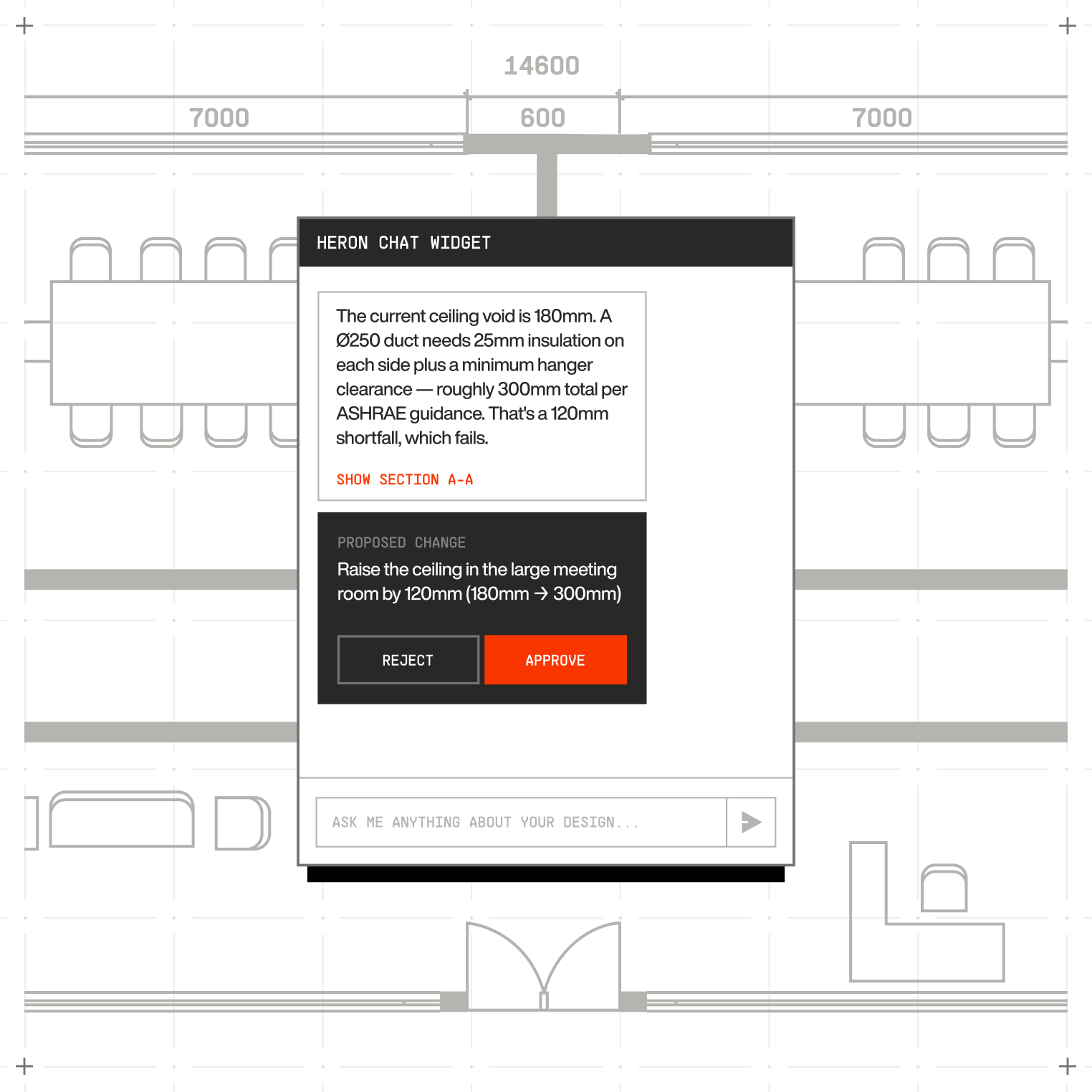
PLAIN LANGUAGE
Just talk to it normally
No commands to memorise. Ask or instruct in
everyday words and Ask Vaastu works out what you
mean.
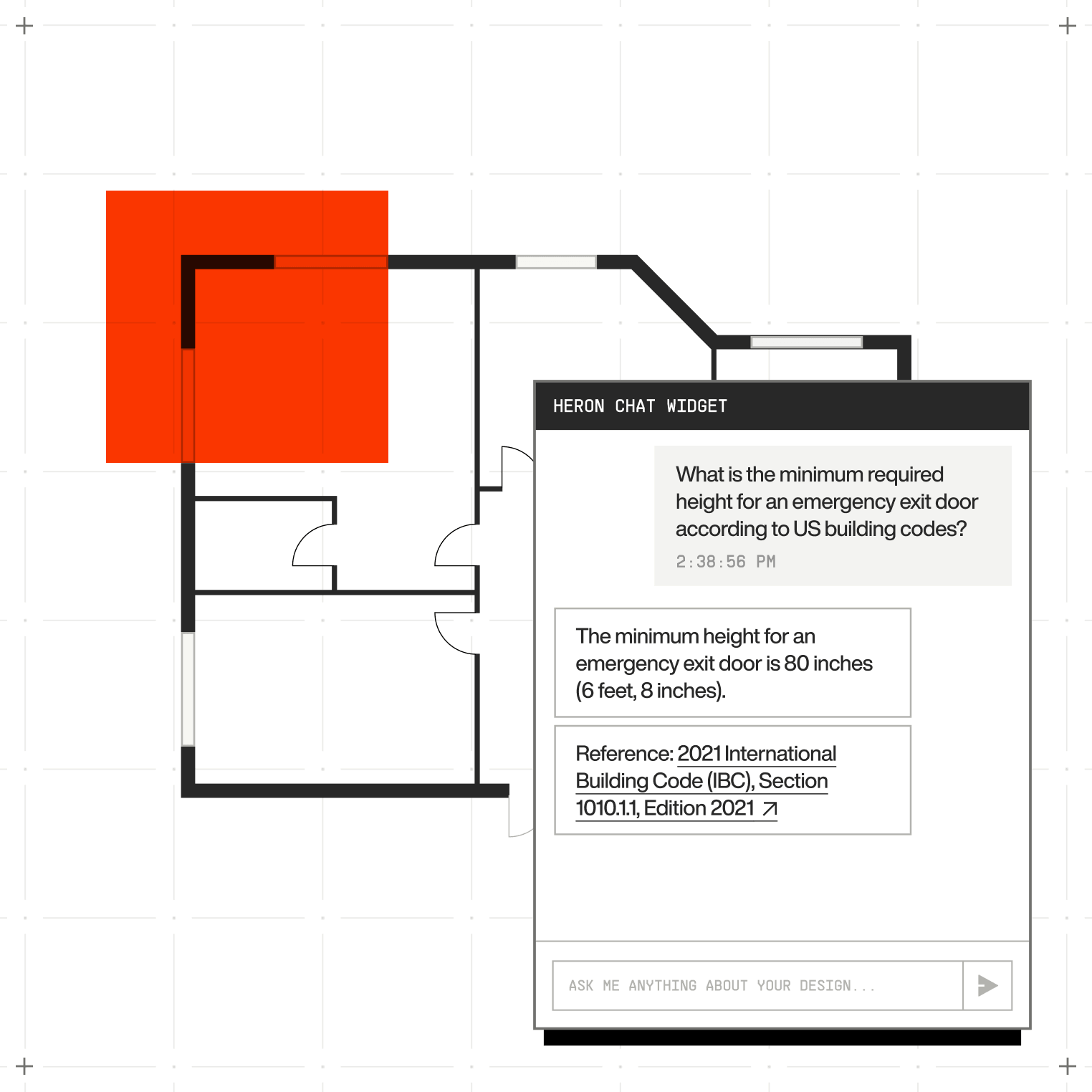
EVERYWHERE YOU ASK
One concierge, every surface
Use Ask Vaastu with your room audit, direction, or home
question. Start each question with the context
you want reviewed.
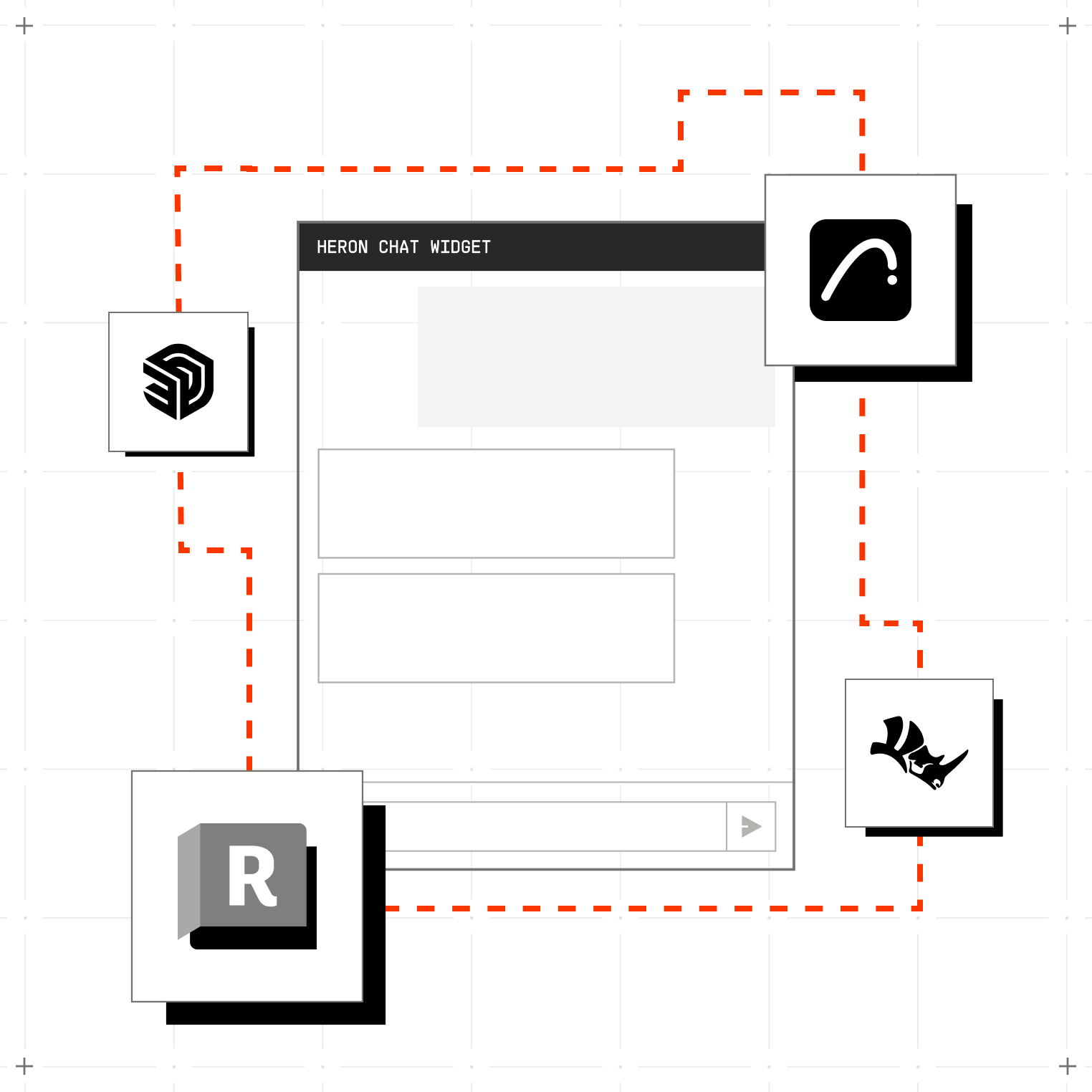
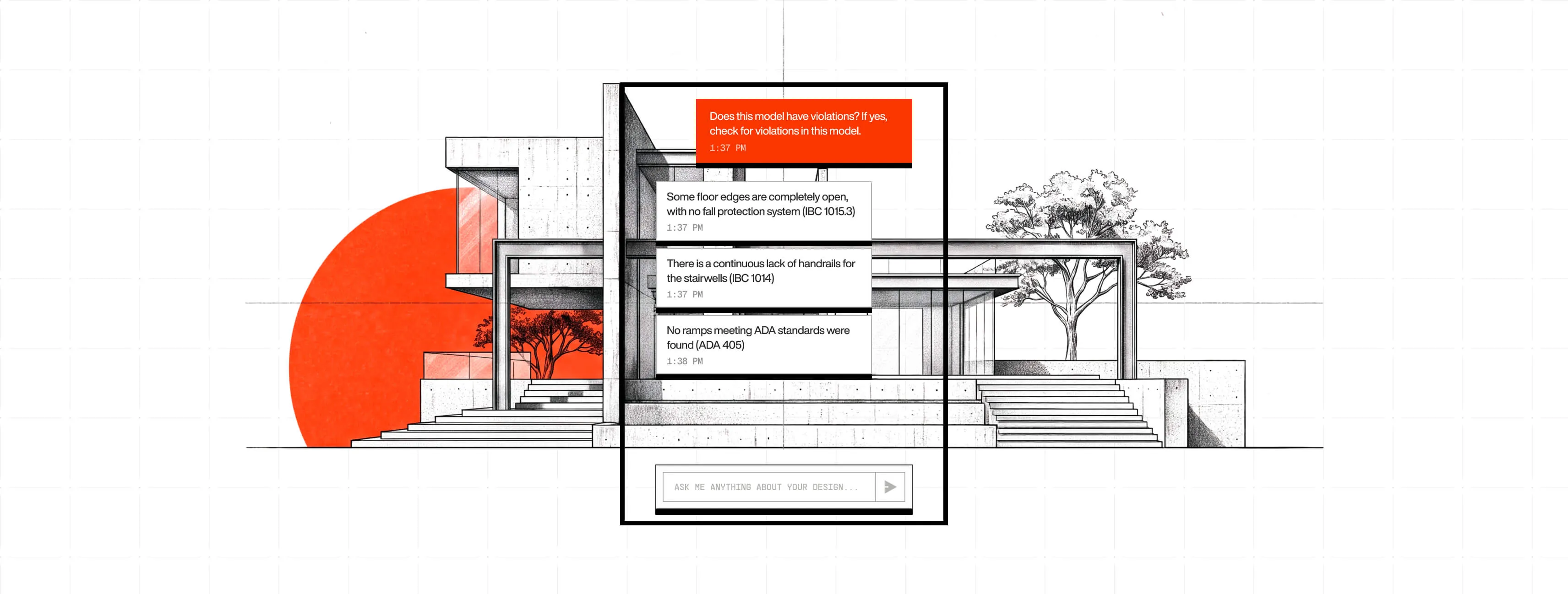
From asking to done, in 3 steps
Keep your home details in view and stay in control of every layout decision.
[Scroll to continue]
step
[01]
Open the chat
Open the home question panel and include the room or audit details you want to discuss.
step
[02]
Ask or instruct
Ask a question about a room or direction, or
tell Ask Vaastu what's bothering you, in plain words.
step
[03]
Read the remedy
Review the answer, check its references, and choose the next question or tool for your home.
FAQs
Got Questions? We’ve Got Answers
Does Ask Vaastu give advice without a citation?
Later
Answers can include a classical reference, but a citation is not guaranteed. Ask for the source and check it against the reference guides before relying on a recommendation.
Where can I ask my home question?
Later
In the Vaastu home question panel. Include the room,
direction, or audit details you want reviewed;
each question uses the context you provide.
Can it see my whole home or just one
room?
Later
Ask Vaastu uses the home details you enter with your question. Your camera view and uploaded plan are not attached automatically.
What if I don't agree with a remedy?
Later
Every remedy is a suggestion, not an edit —
nothing changes in your home until you act on
it, and you can always ask for an alternative.
Do I need to learn special commands?
Later
No. Talk to Ask Vaastu in normal, everyday language.
It works out what you mean, and asks if
it's not sure.
SEE WHAT ASK VAASTU FINDS IN YOUR HOME
Ask a question about a room in your home using your account’s available AI allowance.